3 Simple Steps

Upload. Convert. Import.

Turn any bank statement PDF into a Tally Prime XML file in under 2 minutes.

All Indian Banks Instant Convert 100% Accurate

Step-by-Step Guide

Follow these steps to convert your bank statement to Tally XML

1
Getting Started
Create Your Account
Sign up for free — no credit card required. You get 100 pages on the free trial to test with your bank statements.
Account is created instantly. No verification needed to start.
Sign Up
Your full name
you@example.com
••••••••
Create Account →
Free Trial · 100 pages · No card needed
Select Your Bank
HDFC Bank ICICI Bank SBI Axis Bank Canara AU Bank IndusInd + More

Click to upload or drag & drop

PDF only · Max 20MB
2
Upload
Upload Bank Statement
Select your bank from the list and upload your bank statement PDF. The system auto-detects your bank and parses all transactions.
Use PDF format for best accuracy. Download directly from your bank's netbanking portal.
3
Convert
Convert & Download XML
Click Convert to Tally XML. In seconds, your file is ready. Download the XML — it includes both Bank Ledger and Suspense Account entries.
No "Referenced master is missing" errors in Tally — Ledger Masters are auto-included.
Generated XML
<ENVELOPE>
 <LEDGER>
  AU Small Finance
 </LEDGER>
 <VOUCHER>
  Receipt · ₹24,500
 </VOUCHER>
</ENVELOPE>
Download Tally XML
1

Open Tally Prime

Select your company
2

Import → Masters

Creates Bank & Suspense ledger
3

Import → Vouchers

All transactions imported

Done! Verify in Day Book

All entries are in Tally
4
Import in Tally
Import into Tally Prime
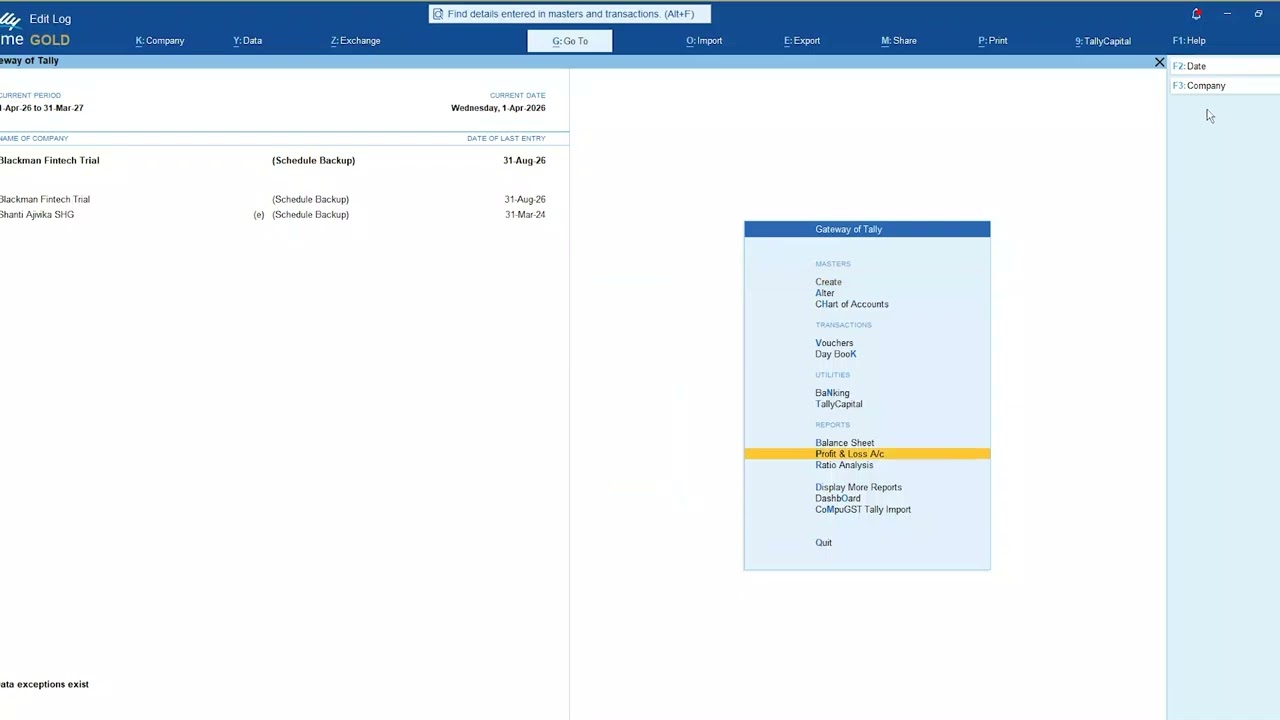
Open Tally Prime → Import → Masters first, then Import → Vouchers using the same XML file. All bank entries will be imported automatically.
Always import Masters first, then Vouchers — using the same XML file both times.

Frequently Asked Questions

Quick answers to common questions

Which file formats are supported?
PDF format is recommended for best accuracy. JPG and PNG are also supported but may have lower accuracy depending on image quality.
How are pages counted?
Each page of your uploaded document counts as 1 page. A 10-page PDF = 10 pages consumed. Free trial includes 100 pages.
My bank is not in the list — what do I do?
Select "Other Bank" — the generic parser works with most Indian bank formats. If results are incorrect, contact support and we'll add a dedicated parser for your bank.
Getting "Referenced master is missing" error in Tally?
You need to import Masters before Vouchers. Go to Import → Masters → select your XML file → Import. Then repeat with Import → Vouchers using the same file.
Can I re-download a previously converted file?
Yes. Go to your Dashboard → Recent Conversions table — all past conversions are saved and can be downloaded anytime.
What is the Suspense Account used for?
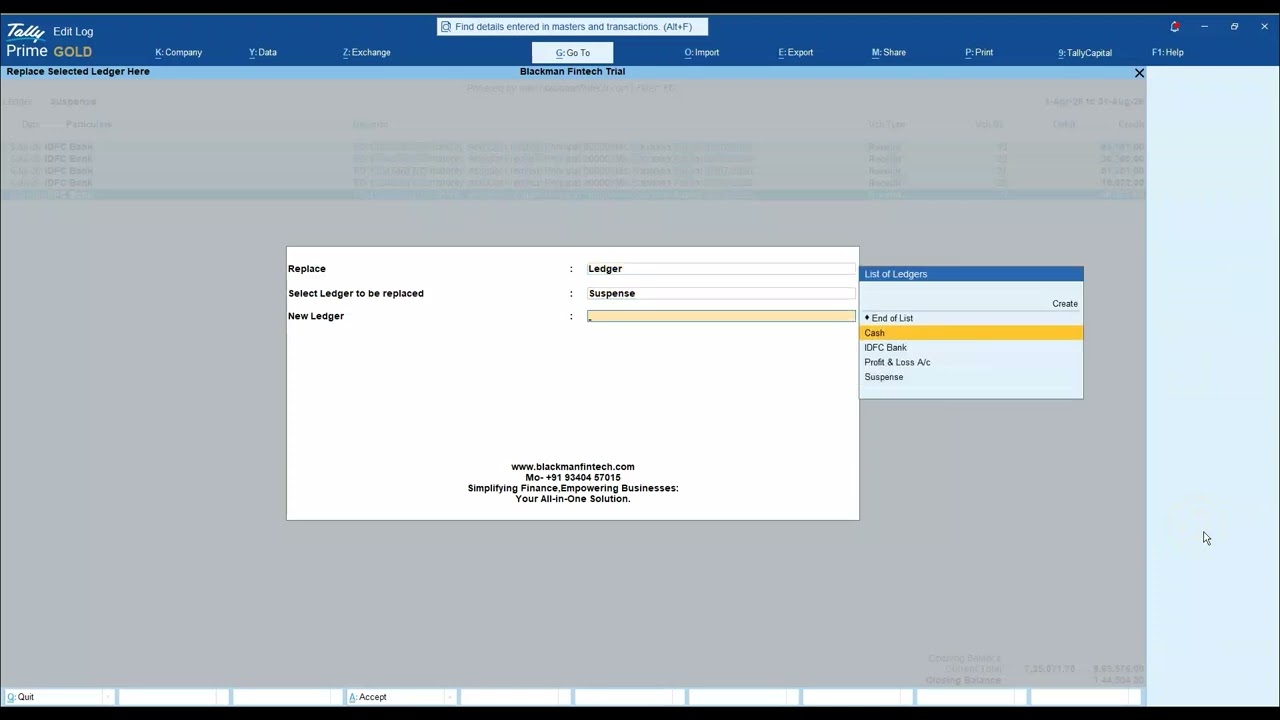
The Suspense Account is the counter ledger for all bank transactions. After importing, you can allocate entries from Suspense Account to the correct ledgers in Tally.

Need Help?

Our team is ready to assist you with any questions.

+91 98265 06087 Email Support
Mon – Sat · 10 AM – 7 PM